Tranquilidad & La independencia está a una llamada
(888) 493-1475 - Haga clic para llamar consigue un MES GRATIS de servicio.
Nearly 26 million people in the United States have limited English proficiency – and more than half of them are over the age of 50. When a fall, a medical emergency, or a moment of confusion happens, language should never be the thing that stands between your loved one and the help they need.
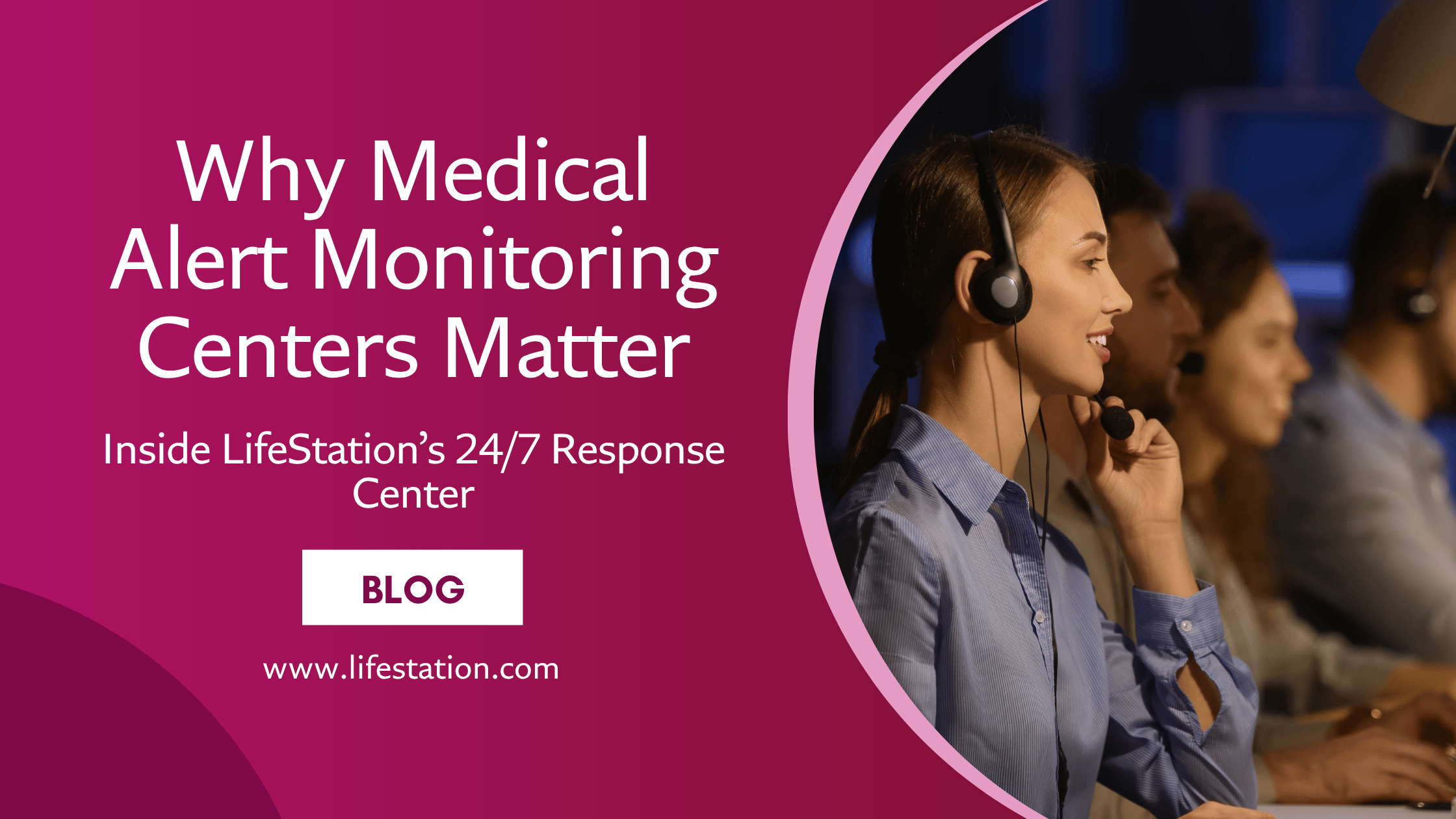
LifeStation is one of the few medical alert providers in the country that has multilingual team members working inside its own U.S.-based monitoring centers. That means when your loved one presses the help button, they can be connected to a real person – not a third-party interpreter service – who can help assess the situation and send the right help fast.
Call LifeStation at (844) 554-4600 to discuss your family’s needs in your preferred language.
Why Language Access Matters More Than Most People Realize
Según el Kaiser Family Foundation, about half of adults with limited English proficiency say they have encountered at least one language barrier in a healthcare setting in the past three years. One in three had difficulty communicating with medical staff. Nearly one in three had difficulty understanding a provider’s instructions.
Now imagine that same language barrier during a fall at home, a heart episode, or a sudden medical emergency – when every second matters.
That is why a medical alert system with real multilingual support is not a nice-to-have. For millions of American families, it is a safety essential.
What Makes LifeStation Different From Other Medical Alert Providers
Most medical alert companies handle non-English calls by routing them to a third-party interpreter service. That adds time, creates another handoff, and introduces someone who does not know your loved one’s account, medical profile, or emergency contacts.
LifeStation takes a different approach. The company has multilingual team members working inside its own call center – people who are trained in emergency response, familiar with LifeStation’s systems, and ready to help from the moment the call connects. LifeStation operates its own monitoring centers in New Jersey and Texas, staffed by certified care specialists available 24/7, 365 days a year.
Here is what that looks like in practice:
- Your loved one presses the help button on their medical alert device
- The call connects to LifeStation’s own monitoring center – not a third party
- A trained specialist answers, typically in under 15 seconds
- If the caller speaks Spanish or another supported language, the specialist can communicate directly – no interpreter delay
- The specialist assesses the situation and contacts emergency services, family members, or both
LifeStation’s average emergency response time is among the fastest in the medical alert industry. Independent reviewers have measured response times as fast as 13.7 seconds – well ahead of the industry average of 15 to 45 seconds.
A Dedicated Spanish-Language Experience
LifeStation goes further than most providers when it comes to serving Spanish-speaking families. The company offers a full Spanish-language version of its website, a dedicated Spanish Pearl mobile medical alert product page, and customer support from Spanish-speaking care specialists.
This is not just a translated FAQ page. Spanish-speaking customers can browse products, understand pricing, read device features, and place orders – all in Spanish. That kind of end-to-end experience is rare in the medical alert industry.
For the more than 16 million Spanish-speaking adults with limited English proficiency in the United States – the largest LEP group by far – that accessibility can be the difference between feeling confident about a medical alert system and putting off the decision entirely.
Why Even Bilingual Seniors May Need Multilingual Support
You might think that a loved one who speaks English well enough day-to-day would not need multilingual emergency support. Research suggests otherwise.
Linguists and healthcare researchers have documented several patterns that affect bilingual people under stress:
Language reversion – Under pain, fear, or confusion, bilingual people often revert to the language they learned first, even if they have spoken English fluently for decades.
Code switching – Many bilingual speakers naturally shift between languages depending on context, audience, or emotional state. In an emergency, this can make communication with a monolingual English-speaking operator difficult.
Cognitive decline – For seniors living with dementia or Alzheimer’s, the second language learned is often the first one lost. A person who spoke English proficiently for 40 years may gradually lose access to it as the disease progresses.
Medical vocabulary – Even fluent bilingual speakers may not know medical terms like “coronary,” “pulmonary,” or “diabetic episode” in English. Explaining symptoms in a first language can be faster and more accurate.
A medical alert system that can meet your loved one in their strongest language – not just their second one – removes a critical barrier during the moments that matter most.
Choosing the Right Medical Alert Device for Your Loved One
LifeStation ofrece three medical alert devices, each designed for a different lifestyle. All three include fall detection, 24/7 monitoring from LifeStation’s own U.S.-based call center, and access to multilingual support.
Sidekick Home – Best for Seniors Who Stay Close to Home
En Sidekick en Casa is a wireless in-home medical alert system that connects to LifeStation’s monitoring center over a cellular connection – no landline or Wi-Fi needed. It covers up to 1,300 feet from the base unit, so your loved one is protected throughout the home, on the porch, in the yard, and in the garage. The waterproof pendant weighs under half an ounce, making it comfortable enough to wear all day and in the shower. Starting at $38.95/month.
Pearl – Best for Active Seniors On the Go
En Perla is LifeStation’s smallest, lightest mobile medical alert with built-in GPS. It works anywhere in the U.S. over the AT&T 4G LTE network, making it ideal for seniors who leave the house for walks, errands, appointments, or visits with family. Fall detection, real-time location tracking, and water resistance are all built in. Wear it around the neck, on a belt, or attached to a bag. Starting at $42.95/month. Also available with a full Spanish-language product page.
Sidekick Smart – Best for Seniors Who Want a Smartwatch
En Sidekick Inteligente is a medical alert smartwatch with automatic fall detection, GPS tracking, heart rate monitoring, and a step counter. Named “Best Medical Alert with Smartwatch Features” by U.S. News & World Report, it connects directly to LifeStation’s live emergency operators – not an app notification. For seniors who want discreet protection that looks and feels like a regular watch. Starting at $42.95/month.
Not sure which device is the best fit? Call (844) 276-7314 to talk with a LifeStation care specialist.

What Caregivers Should Know About Setting Up a Medical Alert for a Non-English Speaking Parent
If you are an adult child or caregiver choosing a medical alert system for a parent or loved one who speaks limited English, here are a few things that can make the process easier:
- You can set up the account on their behalf. LifeStation allows caregivers to handle ordering, setup, and account management so your loved one does not need to navigate an English-language process alone. Learn more about setting up a system for a loved one.
- You can add emergency contacts and preferred language notes. Make sure LifeStation has the right people listed – and that the account reflects your loved one’s language preference.
- You can receive real-time text alerts. LifeStation sends SMS notifications to caregivers and family members at no extra charge, so you stay informed even if you are not nearby.
- You can help them feel comfortable with the device. Many seniors resist medical alert systems at first. LifeStation’s devices are simple – one button press connects them to help. Read more about how to encourage a loved one to use a medical alert system.
How LifeStation Compares to Other Providers on Multilingual Support
Not every medical alert company handles language support the same way. Here is how the most common approaches compare:
Third-party interpreter services (most common)
Many providers partner with external interpreter services that cover 100+ languages. The downside: when a non-English speaking senior presses their help button, the monitoring center operator must first answer, then identify the language, then connect to a separate interpreter – adding time and complexity during an emergency. The interpreter is also unfamiliar with the caller’s account.
In-house bilingual operators (LifeStation’s approach)
LifeStation has multilingual team members working directly inside its own monitoring centers. This means faster communication, no handoff to a third party, and specialists who already have the caller’s information on screen. For Spanish-speaking families in particular, LifeStation provides one of the most complete experiences available – from a Spanish website and product pages to Spanish-speaking emergency operators.
No multilingual support
Some smaller providers offer English-only monitoring. For families with non-English speaking members, this creates a serious safety gap.
Questions to Ask Any Medical Alert Provider About Language Support
If you are comparing medical alert systems for a non-English speaking loved one, use this checklist:
✔Does the company have multilingual team members in its own monitoring center – or does it rely on a third-party interpreter service?
✔How long does it take to connect a non-English speaker to help after they press the button?
✔Can the customer’s preferred language be noted on their account profile?
✔Is the company’s website available in other languages?
✔Are product pages, setup guides, and support materials available in the customer’s language?
✔Can a caregiver set up and manage the account on behalf of the senior?
✔Is monitoring available 24/7, including nights, weekends, and holidays?
✔Does the company operate its own monitoring center, or is it outsourced?
✔Is there a money-back guarantee so you can try the system risk-free?
✔Is fall detection available? Learn more about choosing a fall detection system.
LifeStation Makes Safety Accessible for Multilingual Families
For families navigating language barriers, choosing a medical alert system is about more than just the device. It is about trust – trusting that when your loved one presses the button, the person on the other end will understand them, help them, and act fast.
LifeStation earns that trust with its own U.S.-based monitoring centers, multilingual care specialists, one of the fastest response times in the industry, a dedicated Spanish-language experience, 3,400+ five-star reviews, an A+ BBB rating, and a 30-day money-back guarantee.
Your loved one deserves a medical alert system that meets them where they are – in their language, in their home, and on their terms.
→ Call LifeStation at (844) 276-7314 to find the right medical alert system for your family. Hablamos español.
Preguntas frecuentes
Does LifeStation have multilingual support?
Yes. LifeStation has multilingual team members working inside its own monitoring centers in New Jersey and Texas. This allows LifeStation to provide direct multilingual emergency support without relying on a third-party interpreter service – resulting in faster communication and a more personal experience for non-English speaking customers.
Can a medical alert system help someone who does not speak English?
Yes. A medical alert system with multilingual support can help a non-English speaking senior connect with emergency assistance quickly. When the help button is pressed, the user is connected to a monitoring center where a trained specialist assesses the situation and contacts emergency services or family members. With LifeStation, multilingual specialists can communicate directly with the caller. Learn more about what happens when you press the button.
Is LifeStation a good option for Spanish-speaking seniors?
LifeStation is one of the strongest options for Spanish-speaking families. The company offers a full Spanish-language website, a dedicated Spanish Pearl product page, and Spanish-speaking care specialists in its own monitoring center. This makes it easier for Spanish-speaking seniors and caregivers to research, order, set up, and use the system entirely in Spanish.
Why might a bilingual person need multilingual emergency support?
Even bilingual seniors who speak English well in daily life may struggle to communicate during a stressful emergency. Research shows that pain, fear, confusion, and cognitive changes can cause people to revert to their first language. For seniors with dementia, the second language learned is often the first one lost. A medical alert system with in-house multilingual support removes that barrier.
What is the fastest way to get help with a LifeStation medical alert?
Press the help button on your LifeStation device. You will be connected to a certified care specialist in LifeStation’s own monitoring center, typically in under 30 seconds. LifeStation’s response time has been measured as fast as 13.7 seconds by independent reviewers – one of the fastest in the industry. Read more about response times.
Does LifeStation require a contract?
LifeStation does not require a long-term contract. All plans include a 30-day money-back guarantee. Visit the Página de preguntas frecuentes for more details.
Which LifeStation device is best for a non-English speaking senior?
It depends on lifestyle. The Sidekick en Casa is ideal for seniors who spend most of their time at home. The Perla is best for active seniors who go out regularly. The Sidekick Inteligente smartwatch offers the most discreet option. All three include fall detection and connect to LifeStation’s multilingual monitoring center. Compare all devices.
Obtenga ahora lo mejor en servicios de alerta médica
Solicitar información sobre alertas médicas
Al hacer clic en el botón Solicitar folleto de arriba, está proporcionando una firma electrónica que certifica que nuestra empresa y nuestras filiales tienen su consentimiento para ponerse en contacto con usted en el número de teléfono proporcionado utilizando un marcador automático o un mensaje pregrabado de acuerdo con nuestras Condiciones de uso. Tenga en cuenta que no está obligado a comprar nada a las empresas que puedan ponerse en contacto con usted. Los proveedores de servicios sanitarios y cualquier persona interesada en obtener más información sobre cómo trabajar con LifeStation, pueden ponerse en contacto con el departamento de desarrollo empresarial de LifeStation. Al introducir una dirección de correo electrónico, acepta recibir periódicamente mensajes de LifeStation. Puede darse de baja de estos correos electrónicos en cualquier momento. LifeStation.com nunca venderá, intercambiará, alquilará o cederá su información personal sin su permiso. Valoramos y respetamos su confianza.