Peace of Mind & Independence is One Call Away
(888) 493-1475 - Click to Call get a FREE MONTH of service.
Short Answer: Choose an in-home system if the person you’re protecting stays home most of the day. Choose a mobile system if they leave the house alone – even for short walks or errands. Both connect to a 24/7 monitoring center at the press of a button; they differ in range, GPS capability, and price.
A 2026 TheSeniorList study found that 44 percent of adults 65 and older have experienced a fall, yet only 9 percent use a medical alert device. For the other 91 percent, the decision often stalls at one question: which type of system do I need?
Quick Comparison: In-Home vs. Mobile
| Feature | In-Home System | Mobile System |
| Coverage area | Inside the home (600–1,200 ft from base) | Anywhere with cellular coverage |
| GPS tracking | No | Yes – real-time location shared with responders |
| Connection | Cellular base station or landline | Built-in LTE cellular – no landline or Wi-Fi needed |
| Fall detection | Not available | Available on Pearl, Sidekick, and Sidekick Smart |
| Best for | Seniors who rarely leave home | Active adults, solo drivers, walkers, travelers |
| Form factor | Wearable button + base unit | Pendant, clip-on, or smartwatch |
| Caregiver location access | No | Yes – GPS sharing with family |
| Starting price (LifeStation) | Sidekick Home – $38.95/mo | Pearl – $42.95/mo · Sidekick Smart – $42.95/mo |
What Is an In-Home Medical Alert System?
An in-home medical alert system is usually a two-piece setup: a wearable help button (pendant or wristband) paired with a base station plugged in at home. Press the button, and the base station connects you to a live, U.S.-based emergency operator through a built-in speaker – typically in under 15 seconds.
The base station reaches the monitoring center over a cellular or with in-home systems over a landline connection. LifeStation’s Sidekick Home uses cellular, which matters: CDC data shows about 79 percent of U.S. households have gone wireless-only, making landline dependency a growing risk.
Who should choose in-home?
- Seniors who spend most of the day inside the home
- People recovering from surgery or illness who are temporarily homebound
- Couples – one monitoring fee covers the household, with a second button available for a spouse ($3.99/mo)
- Families on a tighter budget who want reliable protection without GPS add-ons
What Is a Mobile Medical Alert System?
A single, self-contained device – no base station. It connects to the monitoring center over a nationwide LTE network, so it works at home, in the car, at the store, or on a walking trail. Anywhere that there is a cell network.
The defining feature is built-in GPS. When you press the button – or the device detects a fall automatically – operators see your real-time location, even if you can’t describe where you are.
Who should choose mobile?
- Active seniors who drive, walk, garden, or run errands independently
- Anyone with a history of falls – automatic fall detection triggers help without pressing a button
- Adults living alone without a nearby family member
- Travelers or snowbirds who split time between locations
- Caregivers who want GPS tracking for a loved one’s location
How Does Fall Detection Work on a Medical Alert System?
Short Answer: Sensors inside the device detect the rapid downward acceleration of a fall followed by an abrupt stop. When detected, the system calls the monitoring center automatically – no button press needed.
LifeStation’s devices use accelerometers and barometric pressure sensors to separate real falls from normal movements like sitting down quickly. This matters: the CDC reports that one in four Americans 65 and older falls each year, and falls are the leading cause of injury-related death in that age group. Many who fall can’t reach a phone – automatic detection closes that gap.
LifeStation devices with fall detection:
- Pearl – lightweight GPS pendant ($42.95/mo)
- Sidekick – mobile clip-on with GPS
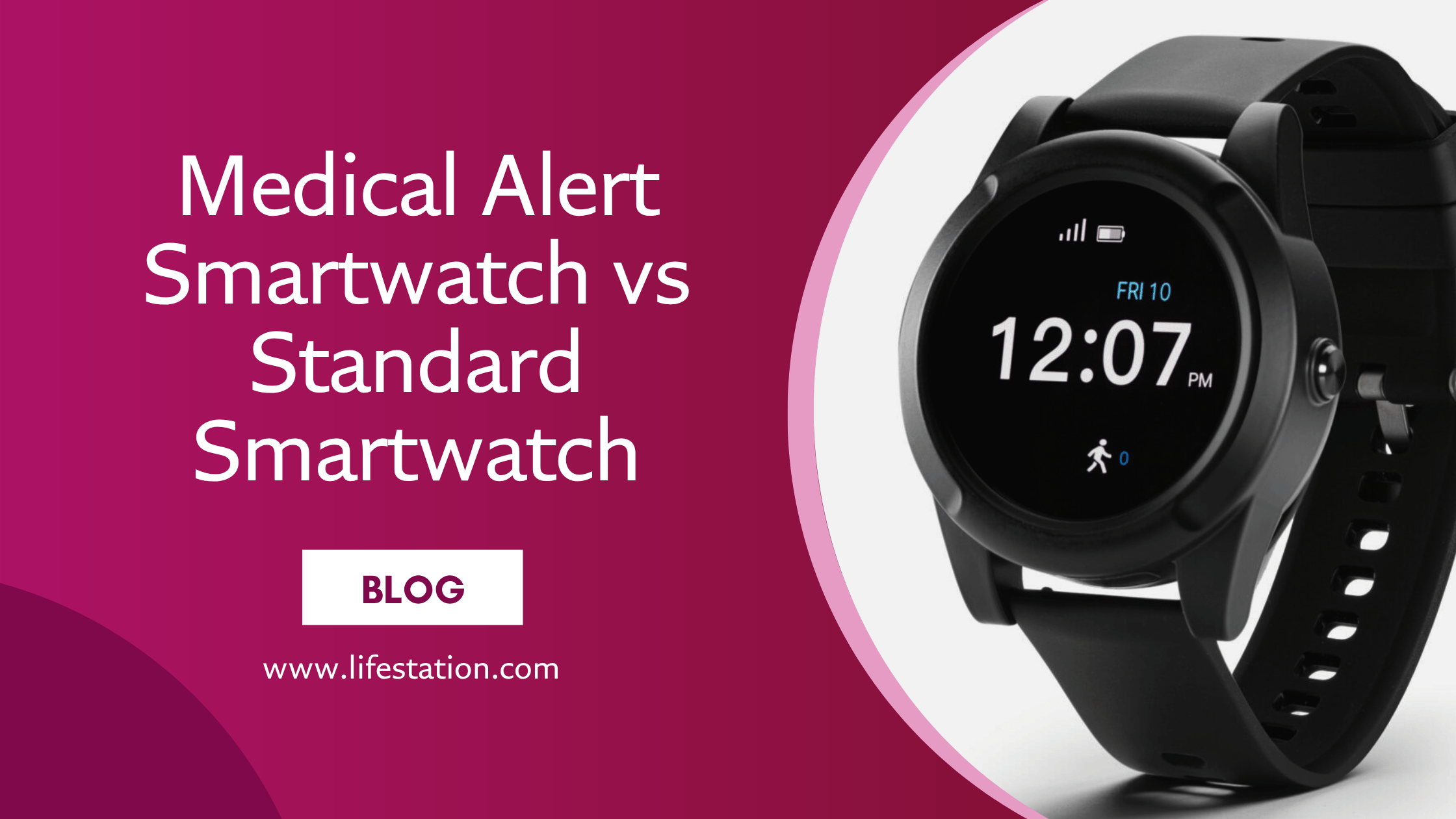
- Sidekick Smart – smartwatch with GPS, heart rate, and step tracking ($42.95/mo)
Learn more: How medical alert fall detection works
How Much Do Medical Alert Systems Cost?
Short Answer: LifeStation plans start at $38.95/mo. No long-term contracts, no activation fees, and equipment is free. Cancel anytime.
| System | Type | Monthly Price | Key Features |
| Sidekick Home | In-Home | $38.95/mo | Cellular base + wearable button, spouse button available |
| Pearl | Mobile | $42.95/mo | Smallest GPS pendant, fall detection, water-resistant |
| Pearl Spanish | Mobile | $42.95/mo | Same as Pearl with Spanish-language monitoring |
| Sidekick Smart | Mobile | $42.95/mo | Smartwatch – GPS, fall detection, heart rate, steps |
New subscribers receive one free month with their order. Billing is monthly, quarterly, or annually. 30-day money-back guarantee on all plans. On top of that, many can enjoy up to 30% Off with insurance discounts.
What Features Matter Most When Choosing a Medical Alert?
Response Time
LifeStation’s average response time is below 15 seconds. In a cardiac event or a fall with a head injury, the difference between 15 seconds and 60 seconds is significant. Look for providers that publish response times and run their own monitoring centers.
24/7 U.S.-Based Monitoring
LifeStation operates its own monitoring centers in New Jersey and Texas, staffed by certified Care Specialists. Alerts go to a trained operator – not an app notification or an overseas call center.
Wearability
A device on the nightstand can’t help during a fall in the kitchen. TheSeniorList’s 2026 study found that discomfort and stigma are top reasons seniors skip wearing a device. LifeStation offers pendants, wristbands, clip-ons, and smartwatches so every user can find something they’ll actually keep on.
Which System Fits Your Situation?
A parent who lives alone and rarely goes out
They spend most of the day at home. A family member handles groceries and appointments.
Best fit: Sidekick Home ($38.95/mo). If a spouse also needs coverage, add a second button for $3.99/mo – total $42.94/mo for two people. Remember, with insurance discounts, you can receive up to 30% off of this price. Be sure to talk to a representative about this discount.
An active senior who walks, drives, or gardens
They go out several times a week and may have a history of falls or worry about falling alone outdoors.
Best fit: Pearl ($42.95/mo) for a discreet pendant, or Sidekick for a clip-on device.
A tech-comfortable senior who wants a smartwatch
They already wear a watch and want something that tracks steps and heart rate without looking like a medical device.
Best fit: Sidekick Smart ($42.95/mo) – GPS, fall detection, heart rate, and two-way voice in a standard watch form factor.
A senior with dementia or wandering risk
They may become confused about their location and can’t reliably press a button during an emergency.
Best fit: Pearl or Sidekick Smart. GPS gives caregivers real-time tracking, and fall detection triggers help automatically.
What Happens When You Press the Button?
1. You press the help button (or the device detects a fall automatically).
2. The device connects to LifeStation’s monitoring center over cellular or landline.
3. A certified Care Specialist answers – average time under 15 seconds.
4. The operator speaks with you through the device’s two-way speaker to assess the situation.
5. If needed, the operator dispatches 911 and shares your GPS location (mobile devices). If you can’t respond, they follow your pre-set emergency protocol and contact your listed contacts.
Why Choose LifeStation?
- Average response time below 15 seconds – own U.S.-based centers in NJ and TX
- No long-term contracts, no activation fees, free equipment – cancel anytime
- Receive one free month with your order
- Spouse coverage for $3.99/mo – one of the lowest rates in the industry
- Multiple form factors so every lifestyle is covered
- Over 40 years in the medical alert industry
Frequently Asked Questions
Is an in-home or mobile system better?
It depends on lifestyle. In-home is more affordable and works well for someone who stays home. Mobile is better for anyone who leaves the house alone – it adds GPS and fall detection wherever they go.
Do mobile systems work outside the home?
Yes. They use nationwide LTE cellular networks and work anywhere with cell coverage – outdoors, in a car, at a store, or while traveling.
Can I use both an in-home and a mobile system?
Yes. Some families pair a Sidekick Home base station with a Pearl. The in-home system covers the house; the mobile device goes on outings.
Do I need a landline?
No. All current LifeStation systems work on cellular networks. No landline, Wi-Fi, or smartphone required. Landline-based options are still available – call LifeStation directly.
Can I wear it in the shower?
Yes. LifeStation wearable devices are water-resistant and designed to be worn in the shower or bath – where falls are most likely to happen.
Does Medicare cover medical alert systems?
Original Medicare (Parts A and B) does not. Many Medicare Advantage (Part C) plans do include coverage. Medicaid varies by state. Some VA benefits and Area Agencies on Aging also offer assistance.
What if I accidentally press the button?
A Care Specialist answers and confirms everything is fine. No penalty or charge.
How do I set it up?
LifeStation systems arrive pre-activated. Plug in the base (in-home) or charge the device (mobile), press the button to test, and you’re protected. Setup takes less than five minutes.
Can two people share one system?
Yes. With the Sidekick Home, add a second help button for a spouse for $3.99/mo.
More questions? See LifeStation’s full FAQ.
Get the Best in Medical Alert Services Now
Request Medical Alert Information
By clicking the Request Brochure button above, you are providing an electronic signature certifying that our company and our affiliates have your consent to contact you at the provided telephone number using an autodialer or prerecorded message in accordance with our Terms of Use. Please note that you are not required to purchase anything from the companies that may contact you. Healthcare providers and anyone interested in getting more information about working with LifeStation, please contact LifeStation business development. By entering an email address, you agree to receive emails periodically from LifeStation. You can unsubscribe from these emails at any time. LifeStation.com will never sell, trade, rent or give away your personal information without your permission. We value and respect your trust in us.