Peace of Mind & Independence is One Call Away
(888) 493-1475 - Click to Call get a FREE MONTH of service.
Peace of Mind & Independence Is One Call Away
800-554–4600 – Get a FREE MONTH of service.
In 2026, the need for dependable medical alert systems is more urgent than ever. With over 61 million Americans now aged 65 and older, falls and medical emergencies continue to be a leading cause of injury among older adults. According to the CDC, one in four seniors experiences a fall each year, yet far too many still lack an affordable, reliable way to call for help.
Medical alert systems fill that gap, offering fast access to emergency support when seconds matter. But despite their value, many seniors still go without them because of cost or confusion about coverage.
If you’re on a fixed income, managing healthcare expenses, or trying to find resources for a loved one, the process of getting a medical alert system might feel out of reach. The reality? There are concrete ways to get a system for free or at a reduced price, depending on your insurance, veteran status, or location.
In 2026, safety shouldn’t depend on what you can afford out of pocket and there are ways to make sure it doesn’t. Let’s take a look but first…
Why Do You Need a Medical Alert System?
A medical alert system provides critical support in emergencies, particularly for older adults or those with chronic health conditions. Key benefits include:
- Immediate Connection to Help: With the push of a button, these systems connect you to emergency services, caregivers, medical personnel, or family members, ensuring you receive immediate assistance when you need it most.
- Enhanced Safety for Those Living Alone: Medical alert systems are especially valuable for individuals who live alone, offering a reliable safety net in case of falls, sudden illnesses, or other emergencies.
- Maintaining Independence: These systems help users maintain their independence by allowing them to stay in their own homes while providing peace of mind to both them and their loved ones.
- Pivotal Support in Emergencies: In situations where every second counts, having a medical alert system can make the difference between a quick recovery and a more severe outcome.
- A Tool for Independent Living: For those who want to live independently without compromising safety, a medical alert system is an important and reliable tool.
How do I get a medical alert system for free or at a reduced price?
Securing a medical alert system for free or at a reduced price is possible through several avenues. Here’s how you can take advantage of available resources:
Check Your Long-Term Care Insurance Policy
Some long-term care insurance policies cover the cost of medical alert systems, including LifeStation, as part of their benefits. It’s worth reviewing your policy or contacting your insurance provider to see if this coverage is included. If it is, you may be able to get a LifeStation medical alert system at no cost to you.
Contact Your Local Area Agency on Aging (AAA)
Local Area Agencies on Aging (AAA) often offer programs or can direct you to resources that provide free or discounted LifeStation medical alert systems. These agencies are dedicated to helping seniors live independently and can connect you with valuable community resources. To find your local AAA, visit the National Association of Area Agencies on Aging website.
Look for Manufacturer or Non-Profit Assistance Programs
LifeStation, along with various non-profit organizations, offers financial assistance or free equipment to those in need. These programs may be based on income or focused on specific groups, such as low-income seniors or individuals with chronic health conditions. It’s worth reaching out to LifeStation or researching relevant non-profits to explore the assistance they can provide.
Call us on 800-554–4600 and see how we can help you today!
Will the Department of Veterans Affairs (VA) Help Pay for a Medical Alert System?
Yes, the U.S. Department of Veterans Affairs offers several programs that may help eligible veterans obtain medical alert systems, often at no cost.
If you’re a veteran, you may qualify through one of these VA-backed benefits:
- Aid & Attendance (A&A) Benefit: This monthly pension supplement can be used to pay for in-home care services, including medical alert systems, if you require help with daily activities such as bathing or dressing.
- Veterans Directed Care Program: This self-directed program allows veterans to manage their own long-term care budget and may include funding for medical alert systems as part of approved expenses.
- VA Medical Benefits Package: Some VA healthcare plans may provide Personal Emergency Response Systems (PERS) to veterans who are deemed eligible based on medical necessity.
To explore your options or apply, visit the U.S. Department of Veterans Affairs or contact your local VA medical center or Veterans Service Officer (VSO).
If you’re already receiving VA benefits, ask your assigned caseworker or primary care provider whether a personal emergency response system can be added to your care plan.
Will Private Insurance Pay for a Medical Alert System?
- Depends on the Specific Policy: Some private health insurance plans may cover the cost if a doctor prescribes the device as medically necessary.
- Check Your Policy: It’s important to review your policy or contact your insurance provider directly to understand what is covered. If your plan does not cover medical alert systems, ask if they offer any discounts or guidance on other financial assistance programs.
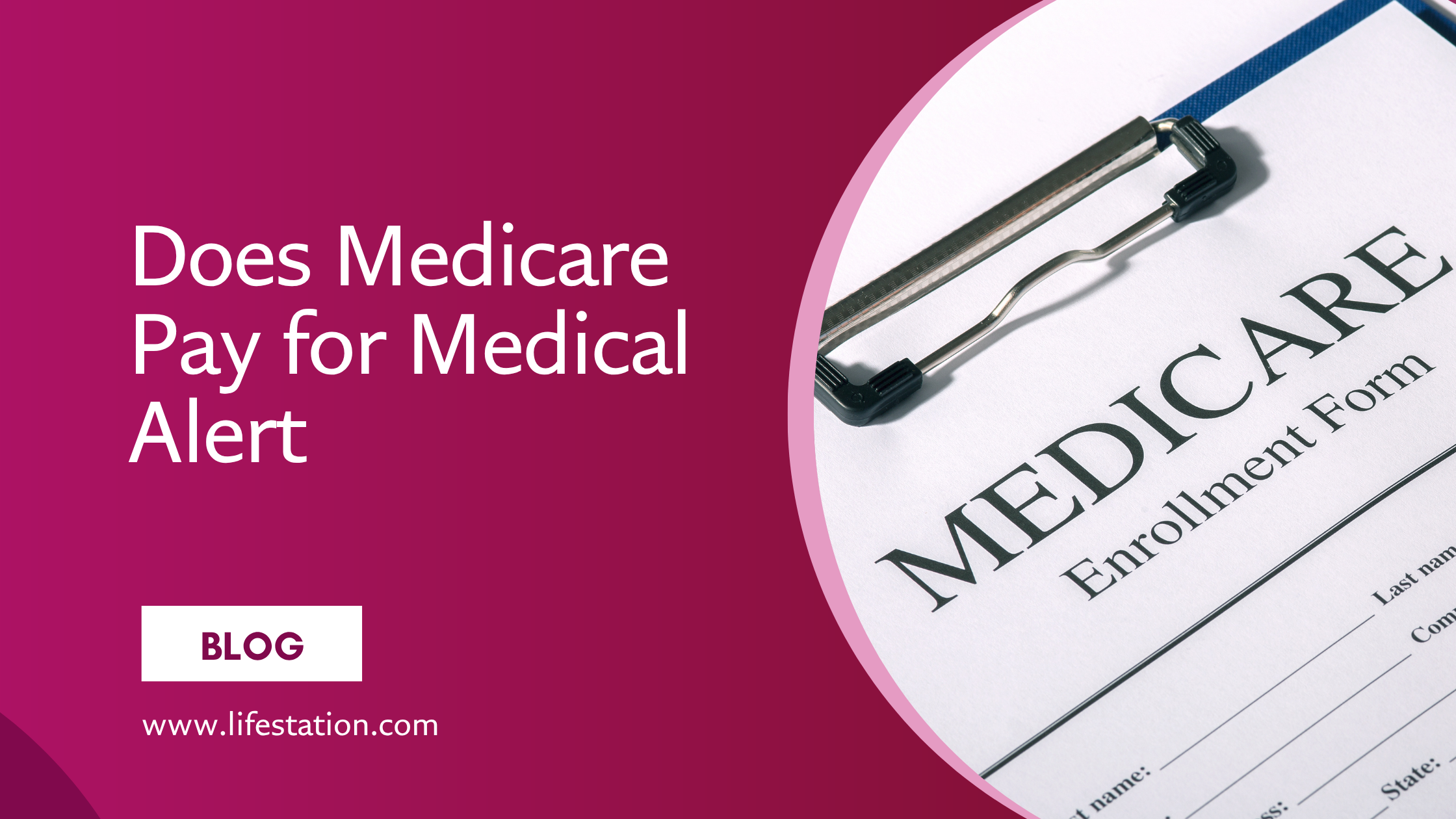
Will Medicare Pay for a Medical Alert System?
- Original Medicare (Part A and Part B): Typically does not cover the cost of medical alert systems, as these are generally considered personal safety devices and not medically necessary equipment.
- Medicare Advantage (Medicare Part C): Some plans may offer coverage for medical alert systems as part of their supplemental benefits. It’s important to check with your specific Medicare Advantage plan to see if they offer this benefit and what the requirements might be.
Will Medicaid Pay for a Medical Alert System?
- Varies by State: Medicaid coverage for medical alert systems varies by state. Some states may cover the cost through Home and Community-Based Services (HCBS) waivers, which help individuals remain in their homes rather than moving to a nursing facility.
- Potential Full or Partial Coverage: These waivers can sometimes cover the full cost or a portion of the cost of a medical alert system. To find out if you qualify, contact your state’s Medicaid office or visit their website.
State-Specific Programs for Free Medical Alert Systems
Many states offer programs that can help cover the cost of a medical alert system, particularly for low-income seniors or those with disabilities. These state-specific programs often operate through Medicaid waivers, state-funded assistance programs, or partnerships with local agencies and nonprofits. Understanding these resources can be crucial in obtaining a medical alert system for free or at a significantly reduced cost.
State Programs Overview
Each state administers its programs, and eligibility criteria can vary widely. Generally, these programs are designed to support aging in place, allowing seniors to live independently in their homes rather than moving to assisted living or nursing facilities. Programs may cover the full cost of a medical alert system or provide a substantial discount, depending on the individual’s income level, health status, and other factors. Common state-administered programs include:
- Medicaid Waivers: These waivers often cover medical alert systems as part of broader support services for seniors and individuals with disabilities.
- Aging and Disability Resource Centers (ADRCs): These centers can help connect you with state-funded programs or local organizations that provide medical alert systems.
- State Departments of Aging or Elder Services: Many states have departments dedicated to supporting the elderly, which may offer assistance programs that include medical alert systems.
Examples of State Programs
1. California
- Program: Medi-Cal Home and Community-Based Alternatives Waiver
- Details: This waiver covers services that help seniors and individuals with disabilities live independently, including medical alert systems. Local Area Agencies on Aging (AAAs) also provide assistance and resources for obtaining these systems.
2. Texas
- Program: STAR+PLUS Medicaid Waiver
- Details: This program provides services to elderly and disabled residents, potentially including coverage for medical alert systems. The Texas Health and Human Services Department also connects residents with local resources for medical alert systems.
3. New York
- Program: New York Managed Long-Term Care (MLTC)
- Details: Through this program, eligible individuals can receive a range of long-term care services, including medical alert systems, to help them stay in their homes. The state’s Medicaid program also has waivers that may cover these devices.
4. Florida
- Program: SMMC Long-Term Care Program
- Details: The Statewide Medicaid Managed Care (SMMC) Long-Term Care program in Florida provides coverage for services that help seniors remain in their homes, potentially including medical alert systems.
5. Illinois
- Program: Community Care Program (CCP)
- Details: Administered by the Illinois Department on Aging, this program helps seniors live independently by providing various services, which may include medical alert systems as part of in-home care services.
6. Pennsylvania
- Program: Pennsylvania Aging Waiver
- Details: This Medicaid waiver program offers services that help eligible seniors remain in their homes, which can include providing a medical alert system. The Pennsylvania Department of Aging also offers resources through local AAAs.
7. Ohio
- Program: PASSPORT Waiver Program
- Details: The PASSPORT program in Ohio provides home and community-based services to seniors, including assistance with obtaining medical alert systems. The program is designed to help Medicaid-eligible seniors avoid nursing home placement.
8. Massachusetts
- Program: Frail Elder Waiver
- Details: This waiver offers services to frail elderly individuals to help them remain in the community, potentially covering the cost of medical alert systems. Massachusetts also has a Home Care Program that may offer additional support.
9. Michigan
- Program: MI Choice Waiver Program
- Details: The MI Choice program helps Medicaid-eligible seniors and disabled individuals receive services at home or in community settings, including potentially covering medical alert systems.
10. North Carolina
- Program: Community Alternatives Program for Disabled Adults (CAP/DA)
- Details: North Carolina’s CAP/DA program helps disabled adults and seniors stay at home by providing various services, which can include coverage for medical alert systems. Local AAAs also offer assistance in obtaining these devices.
Not sure what your state offers?
Check the CMS Waiver List to find out what Medicaid waivers are available in your state, including those that may cover medical alert systems, in-home care, and other senior support services.
How to Save Money on a Medical Alert System
If you don’t qualify for a free medical alert system, there are still several ways to reduce the cost. Here are some practical strategies to help you save money on a medical alert system:
1. Ask About Discounts
At LifeStation, we believe that safety should be accessible to everyone. That’s why we offer already discounted and highly competitive rates with no obligation or hidden fees. Our pricing is designed to fit most families’ budgets, making sure that you get the most value for your money without compromising on quality or service.
2. Opt for Essential Features Only
While advanced features like GPS tracking and fall detection are beneficial, they can also increase the cost. If you’re looking to save money, consider opting for a basic plan that includes only the features you truly need. This approach can lower both the upfront cost and monthly fees.
3. Choose a No-Contract Option
Some companies require long-term contracts that can be costly to cancel. Opting for a no-contract or month-to-month plan can provide flexibility and prevent you from being locked into a long-term commitment, which can help you avoid paying for services you no longer need. At LifeStation, we offer discounted, competitive rates with no hidden fees, designed to fit most family budgets.
4. Look for Promotions or Seasonal Sales
Medical alert companies often run promotions during holidays or at the end of the year. These sales can include reduced prices, waived activation fees, or free equipment. Keep an eye out for these deals and take advantage of them to save on your medical alert system.
5. Bundle with Other Services
If you’re already using home health services or other related products, check if the provider offers a bundle discount. Some companies provide reduced rates if you purchase a medical alert system along with other services like home security or wellness checks.
6. Negotiate with the Provider
When discussing pricing, don’t hesitate to ask for a little extra. For example, you might say, “I’ve noticed other services offering similar features at a lower price, would you be able to match that rate?” Or, if the cost feels a bit high, try asking, “Is there any chance you could include [a specific feature] at no extra charge? It would really help make this decision easier for me.”
Types of Medical Alert Systems
Medical alert systems come in two primary types, each designed to cater to different needs and lifestyles. Understanding the differences between these types will help you choose the best medical emergency response system for your situation.
At-Home Medical Alert Systems
At-home medical alert systems are perfect for individuals who spend most of their time at home and desire reliable, around-the-clock protection. These systems typically include a base unit connected to a landline or cellular network and a wearable device, such as a pendant or wristband. With sufficient range to cover your entire house and often the immediate outdoor area, these systems ensure that help is available at the push of a button, whether you’re in the kitchen, bedroom, or backyard.
- Starting at $36.95 per month, our In-Home system provides 24/7 monitoring and two-way communication, allowing you to speak directly with a trained operator during emergencies.
- LifeStation’s system is designed to offer reliable protection in and around your home, making sure that help is always just a button press away.
Mobile Medical Alert Systems for an Active Lifestyle
For older adults who spend time outside the home, whether it’s walking through the neighborhood, visiting loved ones, or simply enjoying independent routines, mobile medical alert systems provide essential protection without limiting mobility.
Unlike traditional in-home systems that rely on a base unit, mobile alert devices use 4G LTE cellular networks, GPS, and WiFi to ensure you’re always connected to emergency help, wherever you go. These systems are typically worn as a watch, pendant, or wristband, and many now offer features tailored to active lifestyles, such as:
- Real-time location tracking for fast emergency response
- Fall detection that triggers help automatically
- Two-way voice communication with monitoring centers
- Water resistance for wear in the shower or outdoors
- Wellness features like step counters and heart rate monitors
One standout example is the Sidekick Smart, a discreet, wearable medical alert watch designed for both safety and style. It combines advanced GPS and WiFi tracking, automatic fall detection, and 24/7 U.S.-based monitoring, all in a sleek, smartwatch-style design.
With added features like a heart rate monitor, step tracker, and even weather updates, Sidekick Smart will fit seamlessly into your daily life. And thanks to water resistance and no need for a base station, it’s built for round-the-clock protection without disruption.
Starting at $42.95/month, Sidekick Smart offers peace of mind without compromising independence, making it a powerful option for anyone who wants freedom of movement backed by dependable emergency support.
Learn more about Sidekick Smart and how it supports active, independent living.
Features to Consider in a Medical Alert System
When selecting a medical alert system, it’s important to consider specific features that enhance safety and usability. These features can make a significant difference in the effectiveness of the personal emergency response system and the peace of mind it provides.
GPS Tracking
- GPS tracking is an important feature for those who live an active lifestyle and spend time outside the home.
- It allows emergency responders to locate you quickly and accurately in case of an emergency, even if you cannot communicate your location.
- This feature is particularly valuable for individuals with conditions like dementia or Alzheimer’s disease, which may cause disorientation or wandering.
- GPS tracking guarantees that help can reach you no matter where you are.
Fall Detection
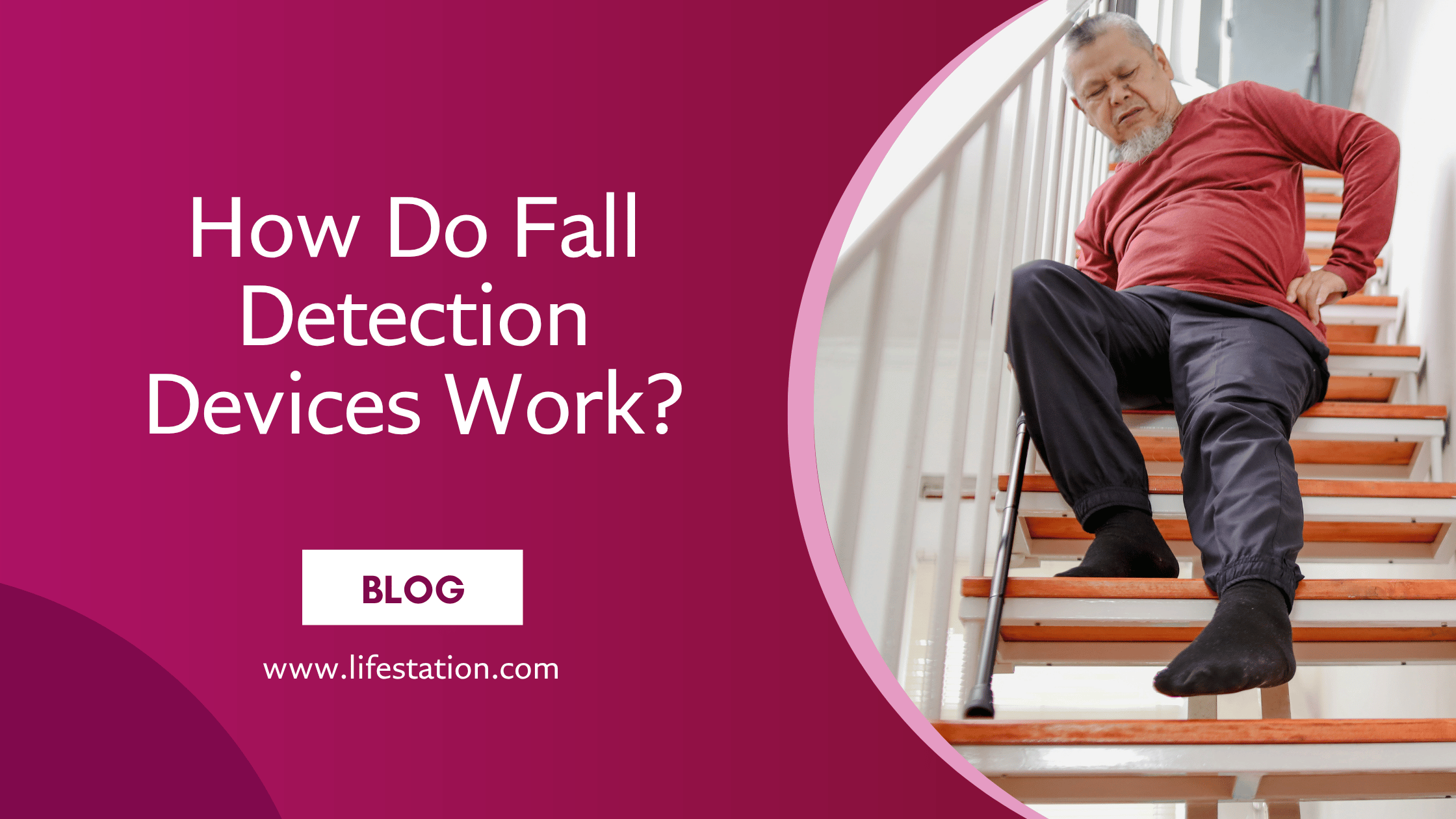
- Fall detection technology automatically detects when a fall occurs and sends an alert to the monitoring center without needing to press the emergency button.
- Given that falls are a common and serious risk, especially for older adults, this feature provides an extra layer of security.
- Fall detection can be lifesaving in situations where the user is unconscious or unable to move after a fall, ensuring that emergency services are alerted immediately.
Two-Way Communication
- Two-way communication allows you to speak directly with a trained operator through the medical alert device as soon as an emergency call is made.
- This feature is essential as it lets you explain your situation in real-time, allowing the operator to quickly assess the situation and dispatch appropriate help.
- Whether it’s a medical emergency, a fall, or a need for reassurance, two-way communication provides immediate, direct contact, crucial for getting the right assistance quickly.
Final Thoughts
Medical alert systems are nothing short of mini miracles for those who desire to maintain their independence while guaranteeing their safety. These devices provide a safety net, especially for older adults or those with chronic health conditions, allowing them to live confidently knowing that help is just a button-press away.
At LifeStation, we understand the importance of respecting our elderly citizens by providing solutions that are both reliable and affordable. We offer a range of medical alert systems which fit different lifestyles and budgets, with features like GPS tracking, automatic fall detection, and two-way communication, all aimed at enhancing your safety and peace of mind.
While obtaining a medical alert system at a reduced price, or even for free, is possible through various programs like Medicare Advantage, Medicaid waivers, veteran benefits, and local organizations, LifeStation makes sure that even if you don’t qualify for these programs, you can still access a high-quality, affordable solution. Our competitive rates, no-obligation plans, and commitment to customer satisfaction mean that you don’t have to choose between safety and affordability.
Call LifeStation on 800-554–4600 or fill out our simple form
Frequently Asked Questions
Does AARP Offer Discounts on Medical Alert Systems?
Yes, AARP members can often receive discounts on medical alert systems through partnerships with specific providers. These discounts can reduce both the initial cost of the equipment and the monthly monitoring fees. It’s advisable to check the AARP website or contact the medical alert system provider directly to learn about the latest offers.
Do All Medical Alert Systems Have a Monthly Fee?
Most medical alert systems do charge a monthly fee, and for good reason, that fee typically covers 24/7 monitoring services provided by trained professionals. When the help button is pressed (or when a fall is detected, if applicable), the system connects to a monitoring center where a live operator can quickly assess the situation and dispatch emergency services or notify family members. This constant availability is what gives many users and caregivers peace of mind.
Can I Get a Medical Alert System Without a Landline?
Yes, many medical alert systems now operate on cellular networks, eliminating the need for a landline. These systems are ideal for individuals who do not have a traditional phone line or prefer the flexibility of a mobile connection. Cellular systems often include additional features like GPS tracking and are available from most major providers.
How Does Fall Detection Work in Medical Alert Systems?
Fall detection is an advanced feature available in our medical alert systems. It uses sensors within the device to detect a sudden change in motion, which may indicate a fall. If a fall is detected, the system automatically sends an alert to the monitoring center, even if the user is unable to press the emergency button. This feature is especially useful for individuals at high risk of falling.
Are Medical Alert Systems Covered by Medicare or Medicaid?
Original Medicare does not typically cover medical alert or personal emergency response systems, but some Medicare Advantage plans might. Medicaid coverage varies by state and may include medical alert systems through Home and Community-Based Services (HCBS) waivers. Check with your specific plan or state Medicaid office for details on eligibility and coverage.
How Long Does It Take to Set Up a Medical Alert System?
Setting up a medical alert system is generally quick and straightforward. Most of our systems are installed by the user with our professional help, taking a few minutes out of your day to get set up and ready.
What Happens If I Press the Button by Accident?
If you accidentally press the emergency button on your medical alert system, simply inform the operator that it was a false alarm when they contact you. Most monitoring centers are accustomed to accidental activations and will confirm your safety before ending the call.
Can I Use My Medical Alert System Outside of My Home?
Yes, Lifestation’s medical alert systems work both inside and outside of the home. Our Sidekick Smart is equipped with GPS, and works through coverage from AT&T, one of USA’s biggest service providers. Our smartwatch helps users feel protected while running errands, traveling, or engaging in outdoor activities.
Resources
Here are some essential resources that can help you navigate the process of obtaining a medical alert system for free or at a reduced price:
- Medicare Official Website:
- https://www.medicare.gov/
- Learn more about what Medicare covers, including potential benefits under Medicare Advantage plans that might include medical alert systems.
- Medicaid Official Website:
- https://www.medicaid.gov/
- Explore state-specific Medicaid programs and waivers that may cover medical alert systems, and find out if you qualify.
- Department of Veterans Affairs:
- https://www.va.gov/
- Veterans can access benefits through the VA, including potential coverage for medical alert systems. Check eligibility and apply for benefits.
- National Association of Area Agencies on Aging (n4a):
- https://www.usaging.org/
- Locate your local Area Agency on Aging (AAA) to access resources and assistance programs for seniors, including help with obtaining medical alert systems.
- AARP:
- AARP.org
- AARP members can often receive discounts on medical alert systems. Visit the website to explore current offers and other resources for seniors.
- BenefitsCheckUp by the National Council on Aging:
- BenefitsCheckUp.org
- This tool helps seniors find benefits programs, including those that might cover medical alert systems, based on their specific needs and location.
- Long-Term Care Insurance Information:
- https://www.ltcfeds.com/
- For those with long-term care insurance, this resource provides information on how to utilize your policy for services like medical alert systems.
Get the Best in Medical Alert Services Now
Request Medical Alert Information
By clicking the Request Brochure button above, you are providing an electronic signature certifying that our company and our affiliates have your consent to contact you at the provided telephone number using an autodialer or prerecorded message in accordance with our Terms of Use. Please note that you are not required to purchase anything from the companies that may contact you. Healthcare providers and anyone interested in getting more information about working with LifeStation, please contact LifeStation business development. By entering an email address, you agree to receive emails periodically from LifeStation. You can unsubscribe from these emails at any time. LifeStation.com will never sell, trade, rent or give away your personal information without your permission. We value and respect your trust in us.